Add Install Packages - Admin
Via Create Installation Package, new installations can be created for various needs. It provides the option to define not only a Run install but also a Run uninstall to uninstall the Software application.
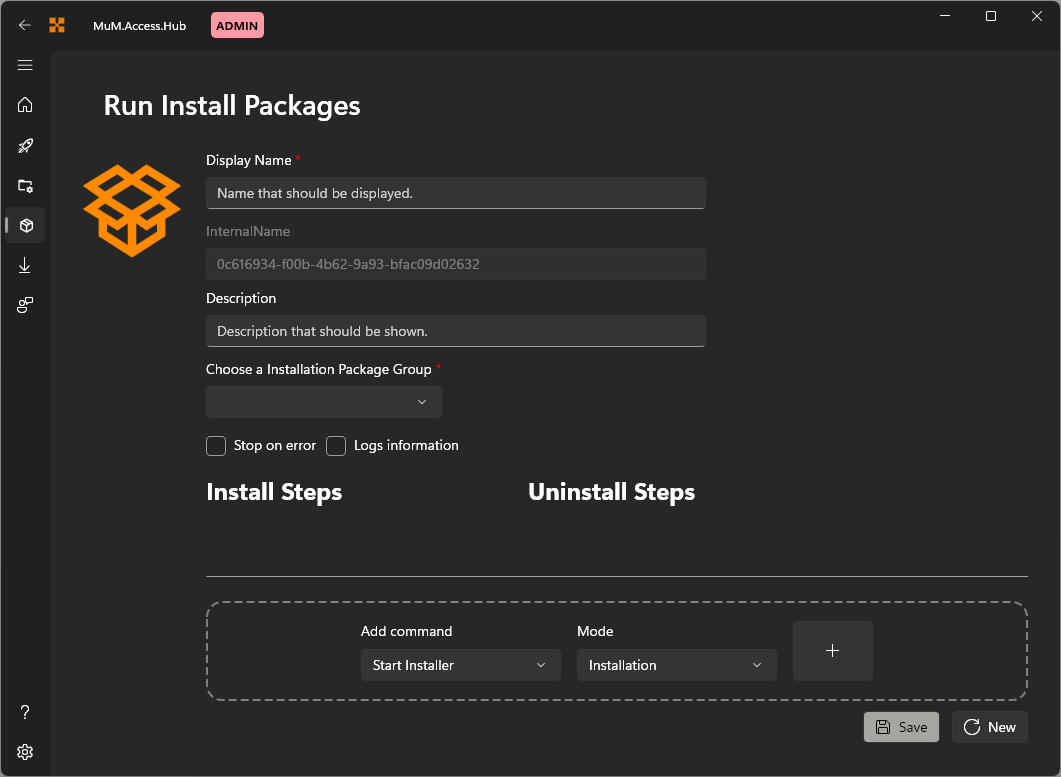
Icon
Click on the icon to replace it with predefined icons.
Display Name
Add a Display Name. This name will show in the Run Install Packages.
Internal Name
The internal name is assigned randomly and cannot be modified. This ensures uniqueness.
Description
The description is also displayed in the Run Install Packages and may contain information about the software.
Installation Package Groups
One or more groups can be added here to which the installation package should belong. The package then appears in every selected group.
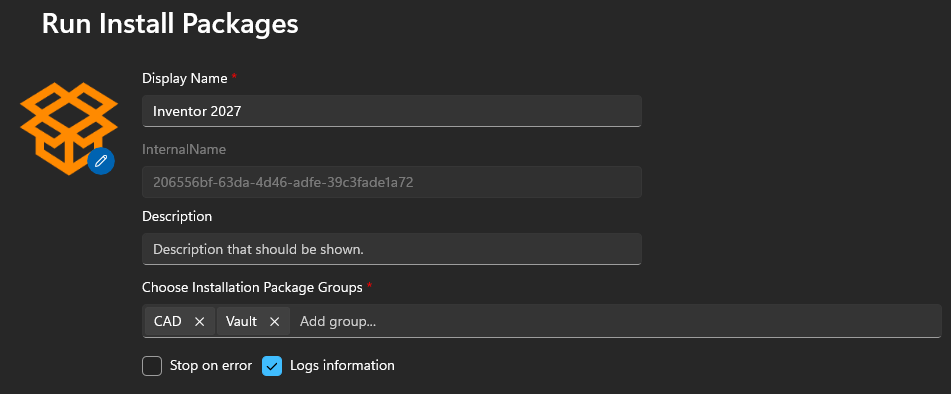
When a package belongs to more than one group, it is marked with a badge in the group view. See Run install group for details on the badge and on moving or linking packages between groups.
Additional options
Additionally, it can be defined whether the configuration should stop in case of an error or if the log information should be included.
Add command
In the Add command, various functions can be added to the configuration.